
Ease of use
Custom Functions will make your work easier and you will be faster and much more efficient

Custom Functions
Add precision and personalization to your workflows with functions built for unique requirements.

Enhance Productivity
Leverage powerful tools designed to speed up your daily workflow and improve results.

Simplify Tasks
Turn intricate calculations into quick, manageable steps with custom-built functions
Function Overview
Here are the functions covered in the Add-on
| Function Name | Description |
|---|---|
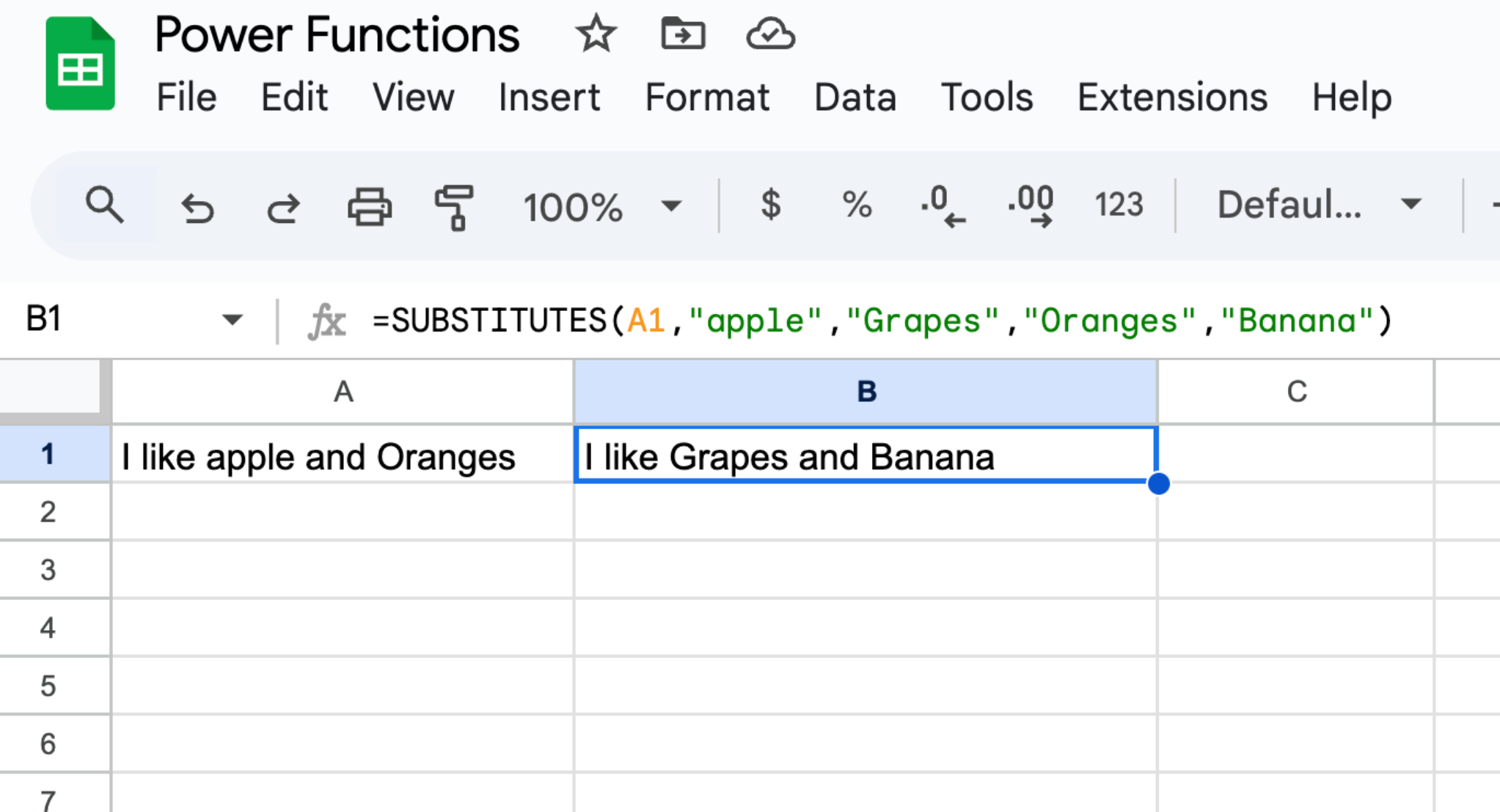
| SUBSTITUTES | Replaces multiple text patterns in a given string simultaneously. Accepts multiple pairs of "search_for" and "replace_with" strings for batch replacement. |
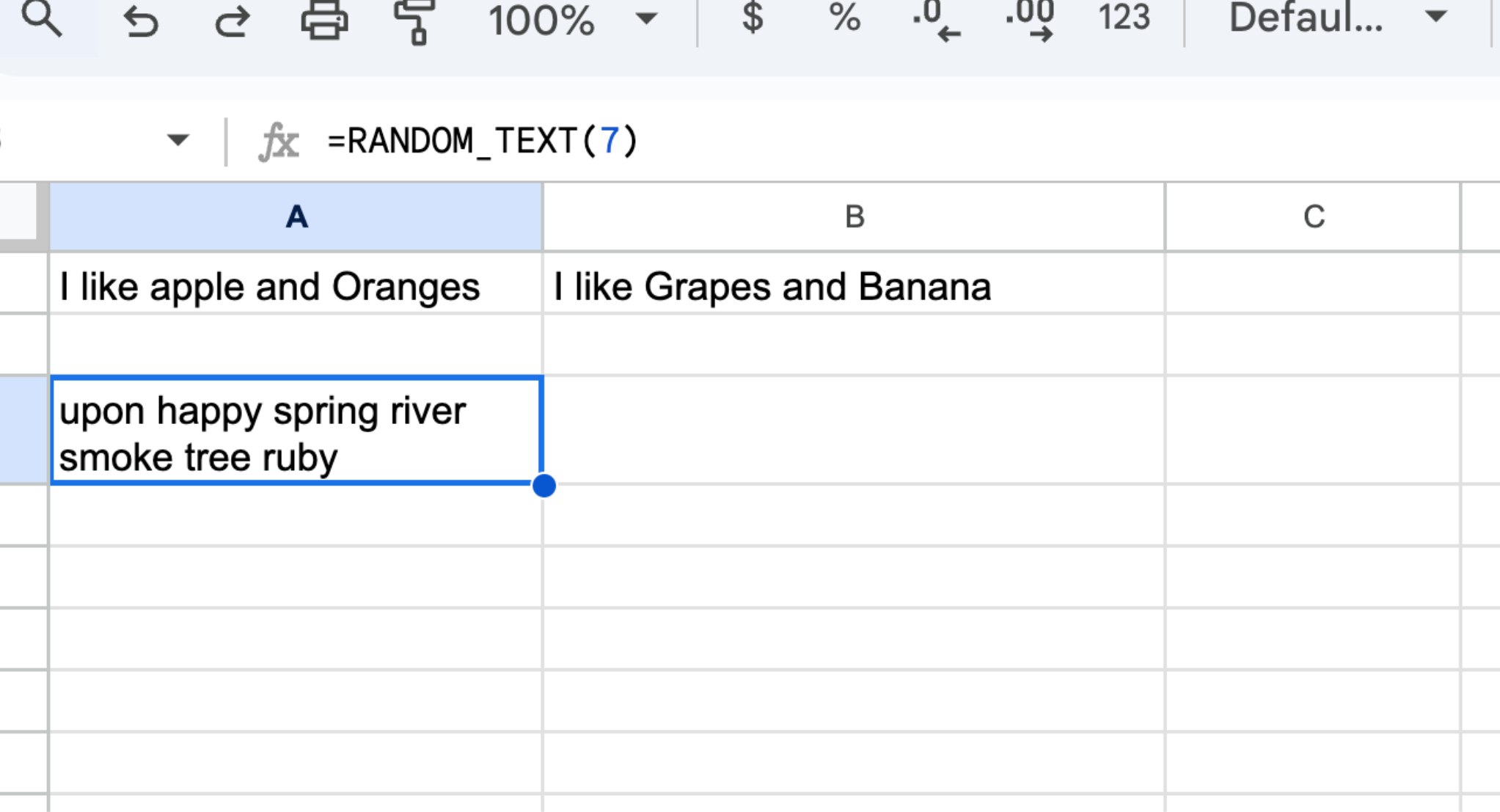
| RANDOM_TEXT | Generates a string of random words based on the number of words specified. The words are chosen from a predefined list of over 200 words. |
| TEXTJOINARRAY | Joins elements of an array into a single string using a specified delimiter. |
| DATEADD | Adds or subtracts a specified number of days, months, or years from a given date, returning the adjusted date. |
| RANDOMDATEBETWEEN | Generates a random date within a specified range of start and end dates. |
| FIRSTDATEOFWEEK | Finds and returns the date of the first day of the week for a given date, with an optional parameter to specify the start of the week as Sunday or Monday. |
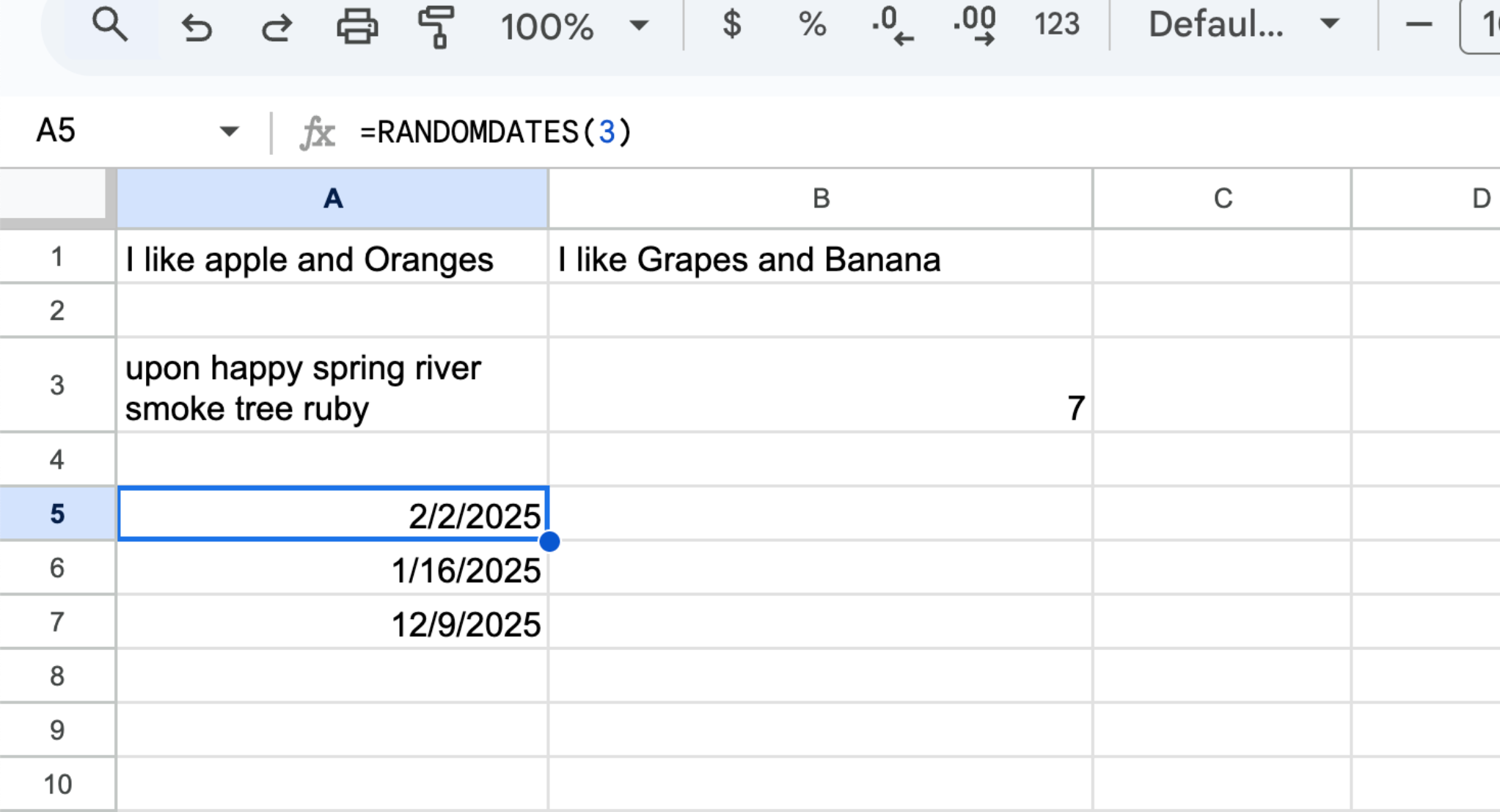
| RANDOMDATES | Generates a specified number of random future dates and returns them in an array, populating subsequent cells in Google Sheets. |
| ISPRIME | Determines if a given number is a prime number, returning TRUE if it is and FALSE otherwise. |
| REMOVE_SPECIAL_CHARACTERS | Cleans a text string by removing all non-alphanumeric characters, leaving only letters and numbers. |
| AGE_FROM_BIRTHDAY | Calculates a person’s age based on a provided birthdate. |
| EXTRACT_EMAIL | Extracts the first email address found in a given text string. |
| REMOVE_WHITESPACE | Removes extra spaces from a text string, leaving only single spaces between words. |
| GET_URL_TITLE | Fetches and returns the title of a web page from its URL by analyzing the <title> HTML tag of the page. |
| REMOVE_HYPERLINKS | Removes all hyperlinks from a text string while retaining other content. |
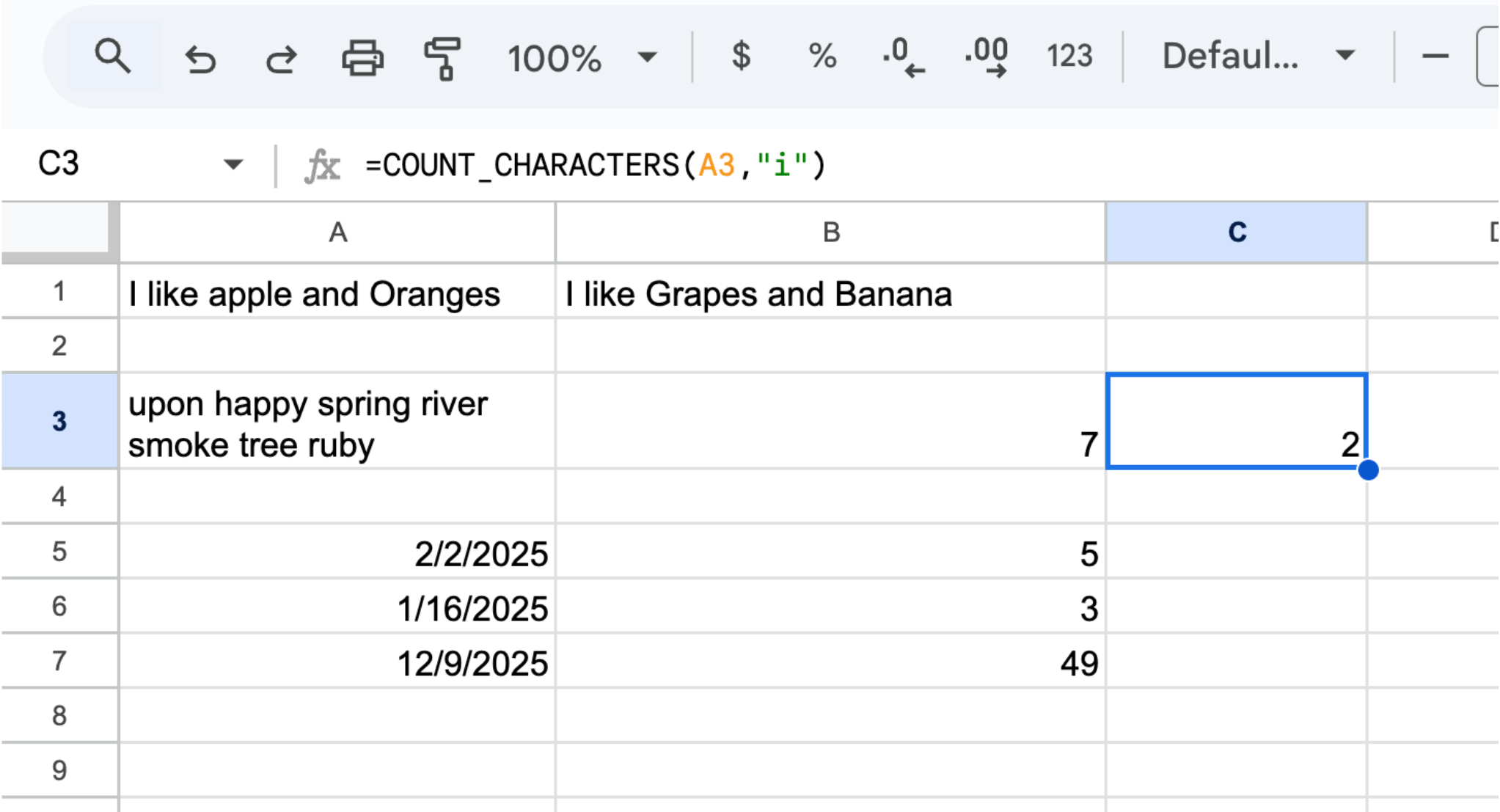
| COUNT_CHARACTERS | Counts the number of occurrences of a specific character within a string. |
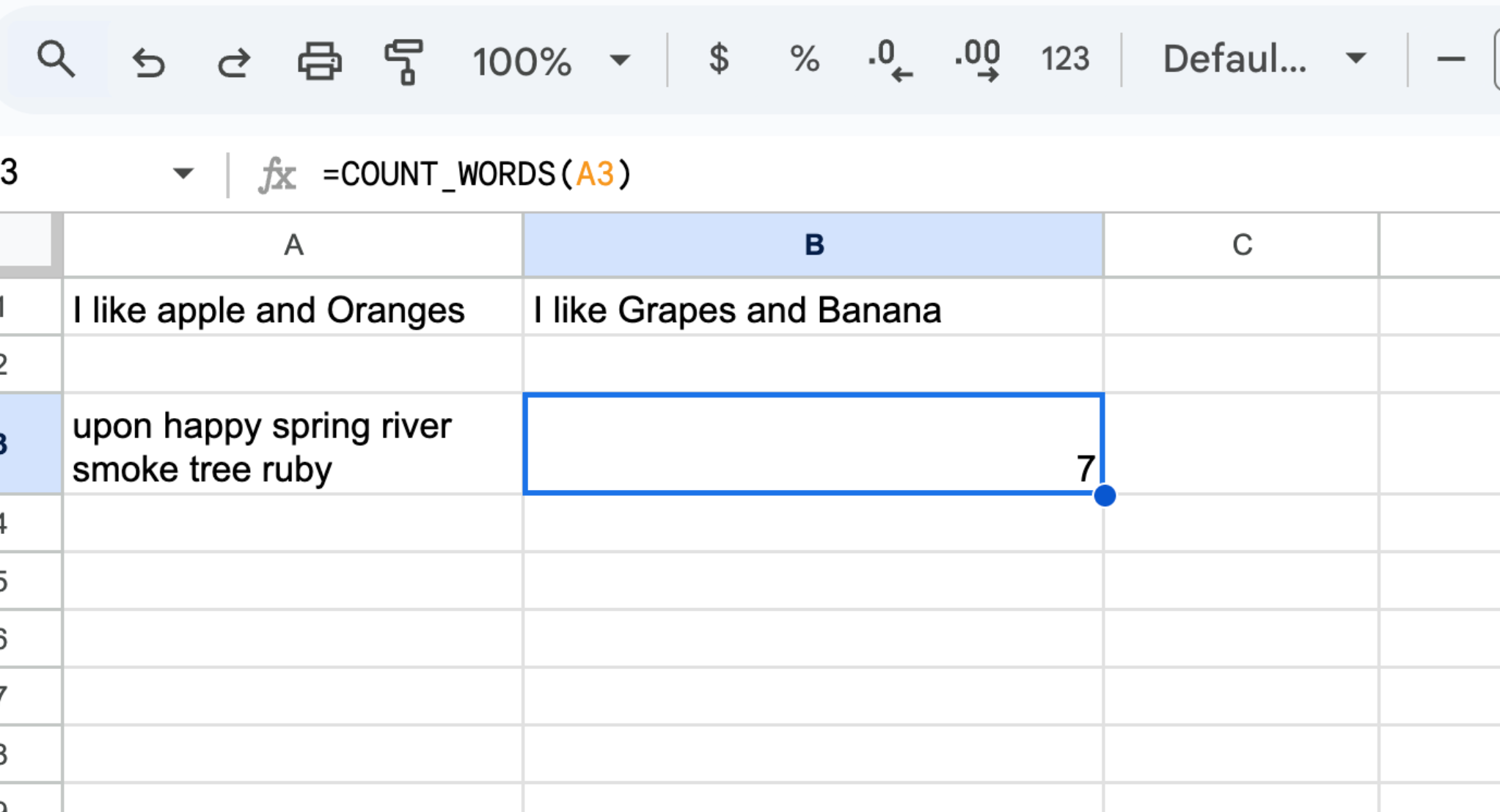
| COUNT_WORDS | Counts the total number of words in a text string. |
| DAY_OF_YEAR | Determines the day of the year for a given date (e.g., 1 for January 1, up to 365/366 for December 31). |
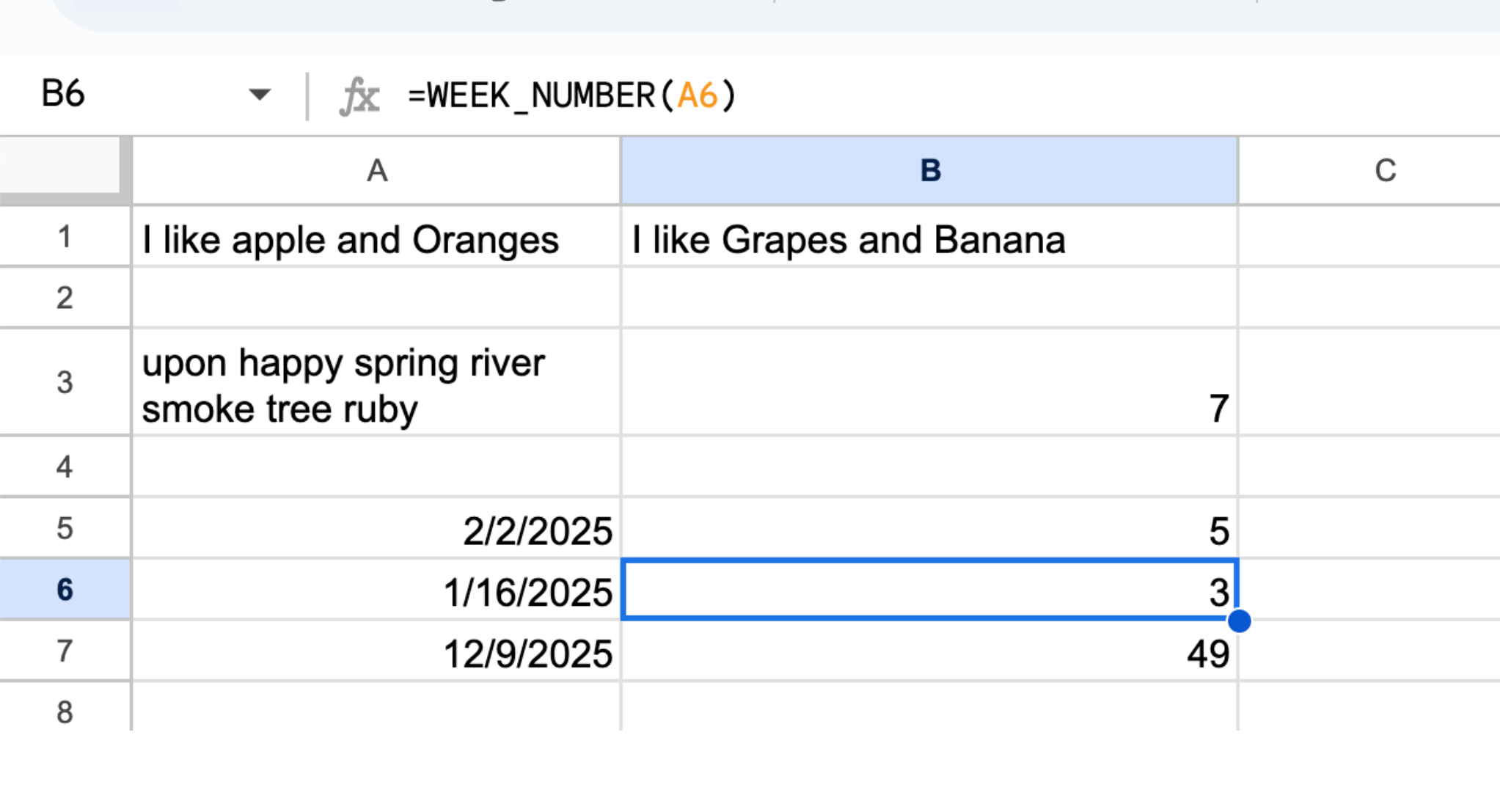
| WEEK_NUMBER | Calculates the week number of the year for a given date, considering the start of the year as week 1. |
| CELL_FORMAT | Identifies the format or type of a cell's content, such as "NUMBER", "TEXT", "DATE", or "BOOLEAN". |
| LAST_DAY_OF_MONTH | Provides the last day of the month for the date which is provided as parameter to the function |
Learn More About Our Policies
Read our Terms of Service and Privacy Policy for more details.